

Somic Standardizes Microsoft Customer Environments with Plentics

For Somic, Plentics Suite is not only about internal efficiency. It also improves the service experience for Somic’s customers.
“Plentics helps us keep our customers’ Microsoft environments secure, standardized, and under control. This means fewer risks, faster response times, and a better overall service experience, without customers needing to worry about the technical details behind the scenes,” says Markus Torkki, CEO of Somic.
For the end customer, the value is simple: better control, fewer risks, and a smoother service experience.
Intune Multi Admin Approval: Workflows, Updates, and Exclusions
Microsoft Intune Multi Admin Approval (MAA) adds four-eyes approval for critical administrative actions. Learn how it works, what changed with Graph API automation, why third-party patch management solutions are affected, and how to configure exclusions for trusted applications.
Feature Highlight: Configuration Drift Control
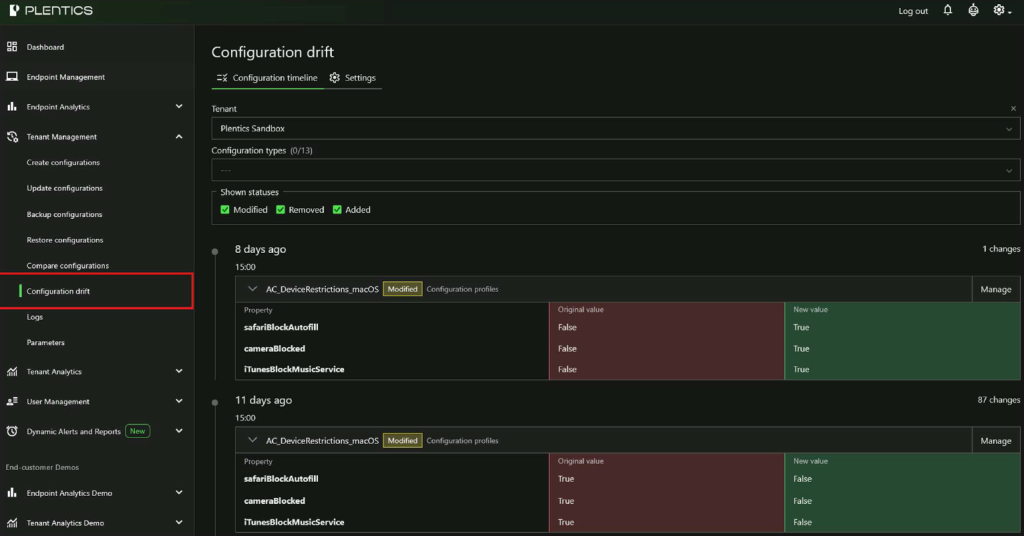
Configuration Drift Control helps MSPs automatically detect, review, and remediate unauthorized or accidental configuration changes across customer tenants. Maintain approved baselines, receive email notifications, and review tenant-specific change history from a centralized view.
How Global VoiceLink Standardized Intune Service Delivery with Plentics

Discover how Global VoiceLink transformed its Microsoft Intune service delivery by adopting Plentics, leading to faster customer onboarding and standardized environments. As the demand for consistent management of customer environments grew, Global VoiceLink faced challenges with its previous approach.
YellowKey BitLocker mitigation now easier to deploy across MSP environments
YellowKey highlights why MSPs need a faster way to turn urgent endpoint security guidance into controlled action across every customer environment. With the Microsoft mitigation script now available as a ready-made Plentics Configuration Package, MSPs can reduce exposure to CVE-2026-45585 without manual tenant-by-tenant work.
Technical Talk – Secure Boot Certificates Expire in 2026 – How to Stay Protected with Intune at Scale
Secure Boot certificates issued in 2011 are expiring in 2026. While affected devices will continue to run, they’ll be left without critical boot-level security updates. Discover how MSPs can leverage Microsoft Intune to track visibility and deploy certificate updates seamlessly across multi-tenant environments
Configuration Drift in MSP Environments: The Silent Risk Across Your Intune Tenants
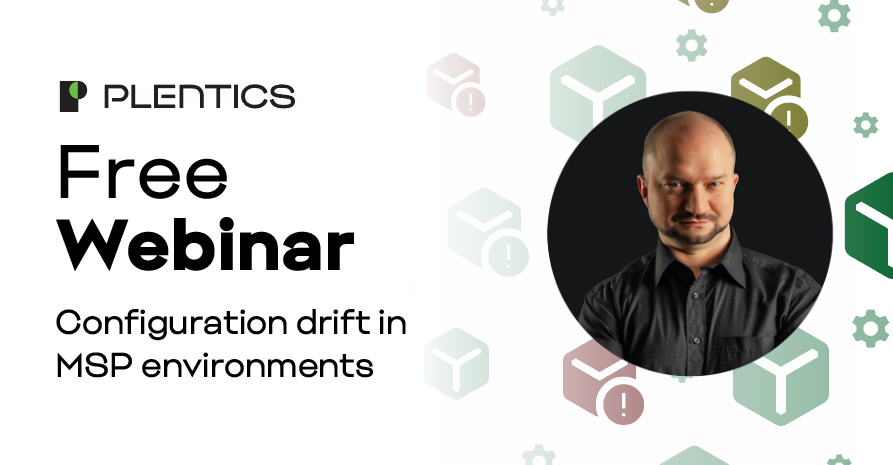
Configuration drift is one of the most underestimated risks in multi-tenant Intune environments. In our webinar on 28.5.2026, Microsoft MVP Sami Laiho and Plentics Head of Product Aapo Kettunen explored why small tenant-level deviations can quietly grow into major operational and security problems for MSPs.
Feature Highlight: Plentics Suite Now Has New Dynamic Alerts and Reports Feature
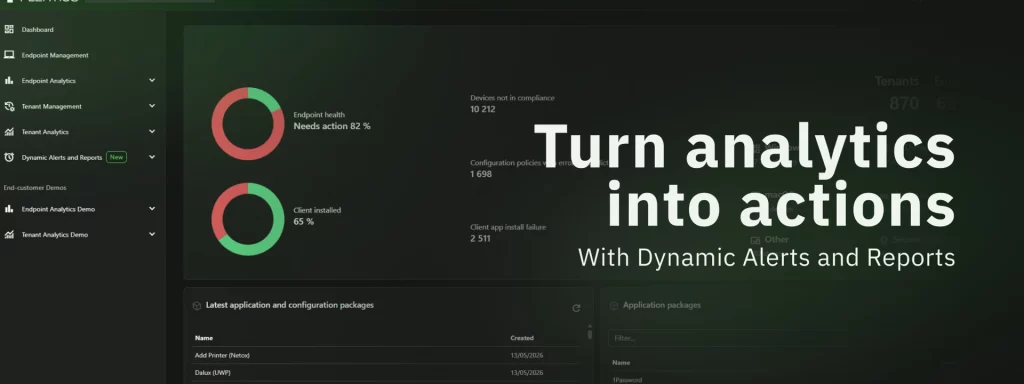
Plentics Suite now makes it easier for MSPs to turn their customer data into timely action. With the new Dynamic Alerts and Reports feature, partners can create and manage analytics-based alerts and scheduled customer reports directly in the UI — helping teams stay proactive, reduce manual reporting work, and keep customers better informed across every managed Microsoft Intune environment.
Plentics February 2026 Release: Configuration Backup & Restore for Modern MSP Tenant Governance
Microsoft tenant configurations are constantly evolving — through policy updates, security adjustments, and operational changes. At the same time, customers increasingly expect traceability, recoverability, and control over configuration drift.
The February 2026 Plentics Suite release introduces powerful Backup and Restore capabilities that enable MSPs to safeguard, replicate, and restore tenant configurations with confidence — and formalize configuration governance as a service.
Technical Talk – Elevating the Frontline – Plentics Suite Benefits for Service Desk Teams

For MSP service desks managing dozens or hundreds of Intune tenants, visibility gaps and repetitive actions quickly become a scaling bottleneck. They are the frontline in MSPs and enterprise IT. They juggle multiple customers, enforce compliance across different tenants, and handle issues before users notice them. Plentics Suite extends Microsoft Intune with tools that unify multitenant management, analytics, and automation, helping service desks keep devices compliant and secure across multiple tenants.
Technical Talk – Plentics Endpoint Analytics – Fully Enriched Device Data
Most Managed Service Providers (MSPs) today rely on Microsoft Intune as their foundation for unified endpoint management (UEM). Intune is designed as a policy and management layer. It intentionally does not expose all device-level telemetry that MSPs need for proactive support and lifecycle management.
Plentics Suite December 2025 Release: Instant and precise patching for 3rd-party apps — without the manual work

The December 2025 Plentics Suite release introduces a major improvement to Endpoint Management: a new way to automatically update third-party applications only on devices where the app is already installed. This removes the need for complex assignment logic and manual targeting — while keeping full control.
Keeping third-party applications up to date is a constant requirement for MSPs, but it should not be a constant source of manual effort. Especially during new tenant onboarding, setting up patching should be easy and quick to implement.